
Get started with Ask AI
Get answers to your questions and links to related content using Ask AI, the Pismo Developers Portal AI assistant.
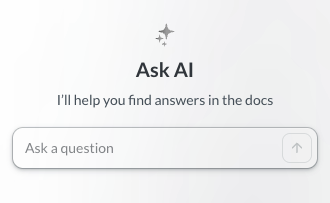
To start using Ask AI, do the following:
- Select Ask AI.
The Ask AI sidebar opens with a prompt to start chatting. - Ask a question using natural language, and press Enter.
For example, enter "what are flex controls?" or "how do I get an authorization token?"
Ask AI searches the Developers Portal and generates an answer. You can ask follow-up questions for clarification. - When you're finished, you can do the following:
- To delete the chat history, select the trash icon.
- To close the sidebar, select the cross icon.
Data privacy
Ask AI doesn't use your data to train public AI models and your search entries remain in the Developers Portal. Pismo reviews the questions periodically to improve the documentation.
Feedback
Your feedback supports ongoing improvement at Pismo.
To give feedback on the Ask AI assistant, do either of the following:
- To mark an answer as helpful, select the thumbs-up icon.
- To mark an answer as unhelpful, select the thumbs-down icon.
Updated 3 months ago
Did this page help you?